How to Extract Emails, URLs, and Phone Numbers from Any Text (Free, No Upload)
Pull every email, URL, and phone number from raw text in seconds — no regex, no manual scanning, no uploading your data to a server.
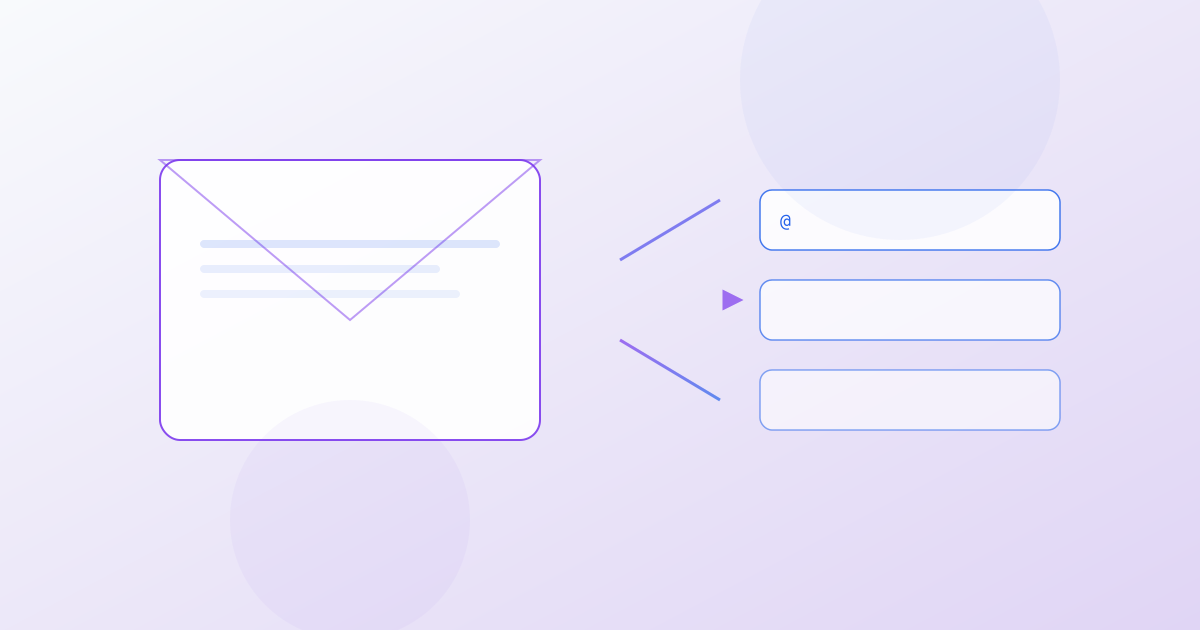
You have a 50-page document, a 200MB log file, or a scraped webpage dump — and somewhere in that haystack are email addresses, URLs, and phone numbers you need to pull out. You could read through it manually. You could write a regex pattern and hope you didn’t miss an edge case. Or you could use a purpose-built extractor that does it instantly, accurately, and without your data ever leaving your browser.
This guide covers the three most common extraction tasks — emails, URLs, and phone numbers — and shows you how to do each one in seconds using free, client-side tools on 1Stop Tools.
Table of Contents
- Why Manual Extraction Fails
- Manual vs. Tool-Based Extraction: Time Comparison
- How to Extract Email Addresses from Any Text
- How to Extract URLs from Any Text
- How to Extract Phone Numbers from Any Text
- The Complete Data Extraction Workflow
- FAQ
Why Manual Extraction Fails
Before we get to the tools, let’s talk about why “I’ll just scan through it” is a losing strategy:
The Regex Problem
Email addresses look simple: something@something.something. So you write [\w.]+@[\w.]+\.\w+. And then you miss:
- Plus addressing:
user+tag@domain.com— your regex drops the+tagportion. - Unicode domains:
user@bücher.de— your\wclass chokes on non-ASCII characters. - Rare but valid TLDs:
user@company.construction— you limited TLDs to{2,6}and.constructionis 13 characters. - Quoted local parts:
"spaces are.fine"@domain.com— yes, this is valid per RFC 5321.
URLs are worse. They can contain query strings, fragments, authentication credentials, ports, IPv6 addresses, and internationalized domain names. Writing a regex that handles all of RFC 3986 is a multi-week project — and you’ll still miss edge cases.
Phone numbers are the worst of all. Every country formats them differently. Some use parentheses, some use dashes, some use dots, some use spaces. Extensions, country codes, and special service numbers add infinite variation.
The Time Problem
Even if your regex is perfect, running it across a 200MB log file in a text editor is going to freeze your machine. Purpose-built extractors handle large inputs without the browser tab crashing.
Manual vs. Tool-Based Extraction: Time Comparison
| Task | Manual Scanning | DIY Regex | 1Stop Tools |
|---|---|---|---|
| Extract emails from a 1,000-line file | ~15 minutes | ~5 minutes (write + test regex) | ~5 seconds |
| Extract URLs from a scraped page | ~20 minutes | ~10 minutes (handle edge cases) | ~3 seconds |
| Extract international phone numbers | ~30 minutes (and you’ll miss some) | Not feasible with regex alone | ~5 seconds |
| Handle a 50MB log file | Impossible | Browser tab crashes | Handled (client-side streaming) |
| Data leaves your device | N/A | N/A | Never |
| Account or signup required | N/A | N/A | No |
How to Extract Email Addresses from Any Text
The Extract Emails tool pulls every valid email address from your input in one click. Here’s the workflow:
Step 1: Open the Tool
Navigate to Extract Emails. No signup, no download.
Step 2: Paste Your Text
Paste your raw text into the input area — a log file, a scraped webpage, an email thread, a CSV export, whatever you have. The tool accepts plain text and strips out anything that isn’t an email address.
Step 3: Click Extract
Hit the “Extract” button. The tool runs RFC 5321-compliant email parsing against your text and returns every valid address it finds.
Step 4: Copy or Export
You get a deduplicated list of email addresses. Copy them to your clipboard, or use the “Copy All” button to grab everything at once. Paste them into your email client, CRM, or spreadsheet.
What the Tool Handles
- Standard addresses (
user@domain.com) - Plus addressing (
user+newsletter@domain.com) - Subdomains (
user@mail.sub.domain.com) - New TLDs (
.dev,.app,.construction,.xyz, and hundreds more) - Internationalized email addresses
What It Filters Out
- Invalid addresses (missing
@, invalid characters) - Duplicates (each address appears only once)
- Non-email text (everything else is discarded)
How to Extract URLs from Any Text
The Extract URLs tool pulls every hyperlink from your input. It handles the full spectrum of URL formats.
Step 1: Open the Tool
Go to Extract URLs.
Step 2: Paste Your Text
Any text containing URLs works — scraped HTML, log files, chat transcripts, markdown documents, JSON responses.
Step 3: Click Extract
The tool runs RFC 3986-compliant URL parsing and returns every valid URL it finds, deduplicated and sorted.
Step 4: Use the Results
You get a clean list. Use it for link checking, competitive analysis, sitemap auditing, or data migration. Copy the full list with one click.
What the Tool Handles
- HTTP and HTTPS URLs
- URLs with query strings (
?param=value&other=2) - URLs with fragments (
#section-3) - URLs with ports (
https://example.com:8443) - URLs with authentication (
https://user:pass@example.com) - FTP, WebSocket, and other scheme URLs
- Internationalized domain names
How to Extract Phone Numbers from Any Text
The Phone Extractor tool pulls phone numbers in any international format. This is the hardest extraction task — and the one where manual methods fail most often.
Step 1: Open the Tool
Go to Phone Extractor.
Step 2: Paste Your Text
Documents, spreadsheets, web scrapes, contact lists — anything containing phone numbers.
Step 3: Click Extract
The tool uses a comprehensive pattern matcher that handles dozens of international formats:
- North American:
(555) 123-4567,555-123-4567,555.123.4567,+1 555 123 4567 - European:
+44 20 7946 0958,+49 30 12345678,+33 1 23 45 67 89 - Asian:
+81 3-1234-5678,+86 10 1234 5678,+91 98765 43210 - Extensions:
555-123-4567 x890,+1 555 123 4567 ext. 890
Step 4: Export
Copy the deduplicated list. The tool also shows each number in a normalized format, making it easy to spot duplicates with different formatting.
The Complete Data Extraction Workflow
Here’s a real-world scenario: you’ve scraped a directory page and need to pull out emails, URLs, and phone numbers — all in one session.
Step 1: Paste the full text into Extract Emails. Copy the results.
Step 2: Paste the same text into Extract URLs. Copy the results.
Step 3: Paste the same text into Phone Extractor. Copy the results.
Step 4 (optional): If you need any numeric data — prices, quantities, IDs — run it through Extract Numbers for a complete data sweep.
Step 5 (optional): If you need to find lines containing a specific keyword within the results, use Extract Lines Containing to filter.
Total time: under 30 seconds. Total data uploaded: zero bytes. Everything stays on your machine.
FAQ
Q: Does the tool work with very large files? A: Yes. These tools use client-side JavaScript and process text in your browser’s memory. Files up to 50MB typically work without issue. If you’re working with files larger than that, split them into chunks — the tools are fast enough to process multiple batches in seconds.
Q: How accurate is the email extraction? A: The email extractor follows RFC 5321 syntax rules. It handles all standard formats including plus addressing, subdomains, and new TLDs. If an address is syntactically valid, the tool will catch it. Note that the tool validates syntax, not whether the address actually exists — for that, you’d need to send a verification email.
Q: Does it handle international phone numbers? A: Yes. The phone extractor supports formats from North America, Europe, Asia, Australia, South America, and Africa. It recognizes country codes, area codes in parentheses, dashes, dots, spaces, and extensions. If you encounter a format the tool doesn’t recognize, you can suggest it — but it already covers the vast majority of real-world formats.
Q: Is my data safe? A: Completely. All extraction happens in your browser using JavaScript. Your text is never transmitted to any server, stored in any database, or analyzed by any third party. You can process confidential documents, customer data, and internal logs with full confidence.
Q: Can I use these tools offline? A: Yes. Once the page loads, all processing runs locally. You can disconnect from the internet and the tools will continue to work perfectly — they are static web pages with zero server dependencies for processing.
Q: Do I need to install anything or create an account? A: No. Every tool on 1Stop Tools is free and requires no signup, no account, and no installation. Just visit the URL and start extracting.
Stop wasting time on regex that breaks on edge cases. Stop scrolling through 50-page documents looking for contact info. Extract Emails, Extract URLs, and Phone Extractor — three tools, zero uploads, infinite time saved.
Author
Full-Stack Developer & Tools Architect
Marcus has been writing code since the dial-up era. He's contributed to open-source developer tools, built CI/CD pipelines for startups, and debugged production incidents at 3 AM more times than he'd like to admit. His philosophy: the best developer tool is the one that gets out of your way.
Stay up to date
Stay up to date with new tools, blog posts, and improvements. No spam, unsubscribe anytime.
Newsletter integration coming soon.
Related Articles
JSON Validator vs. JSON Formatter: Which One Do You Actually Need?
JSON validation flags structural errors. JSON formatting beautifies the output. Here's when to use each — and how to never confuse them again.
How to Annotate Screenshots Like a Pro — Free Browser Tool
Master our free Screenshot Annotator with 15+ tools for bug reports, tutorials, design feedback, and documentation — all client-side, no signup required.
Complete Student Study Workflow — From Notes to PDF Textbook
How to use 1Stop Tools for a complete study workflow: Markdown notes → organized PDF textbook with bookmarks, flashcards for review, and quizzes for self-testing. All free, all in your browser.
Everything runs in your browser. Nothing leaves your device.
No signups, no uploads, no data collection. Just fast, private utilities for developers, designers, and everyday tasks.