Rotate PDF Pages Online: Fix Scanned Documents & Presentation Slides for Free
Rotate individual or all pages in a PDF instantly — fix sideways scans, portrait/landscape mismatches, and presentation slides.
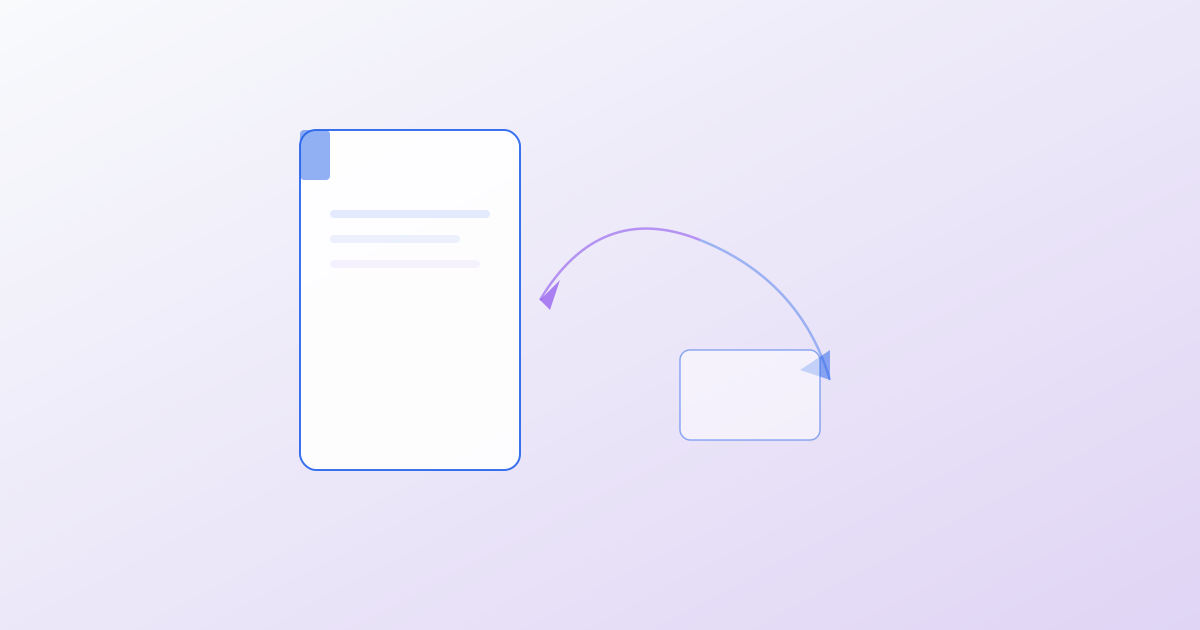
We’ve all received that one PDF where every other page is rotated 90 degrees — the result of a scanner that fed pages inconsistently or a presentation exported with mixed portrait and landscape slides. Manually fixing this used to mean opening the file in a desktop PDF editor, rotating each page individually, and re-saving. With browser-based tools, you can fix an entire document’s orientation in seconds, without installing anything or uploading your file to a server.
Our PDF Rotate tool lets you rotate all pages or select specific ones — clockwise or counterclockwise, in 90-degree increments. Upload your PDF, preview the pages in a thumbnail grid, click the pages that need rotating, and download the corrected file. The tool preserves the original quality and metadata while fixing the orientation. Because all processing happens client-side using pdf-lib, your document never leaves your device.
This is particularly valuable for several common scenarios. Scanned documents from sheet-fed scanners often produce alternating portrait and landscape pages — rotate them all to a consistent orientation before merging. Presentation decks exported to PDF from PowerPoint or Keynote sometimes inherit slide-specific rotations that look wrong in a PDF viewer. Architectural drawings and blueprints are frequently scanned in landscape but viewed on portrait screens — bulk-rotate the entire document for easier reading. And if you only need to fix a few pages in a large document, selective rotation is far faster than reprocessing the entire file.
For more advanced page-level operations, our PDF Page Organizer lets you reorder, extract, and delete pages in addition to rotating. If you’re combining multiple documents after fixing their orientations, the PDF Merge tool stitches them into a single file. Conversely, if you only need a few pages from a large rotated document, PDF Split can extract them into a new, properly oriented PDF.
The key advantage of browser-based PDF tools is privacy and immediacy. There’s no upload queue, no file size limit beyond your browser’s memory, and no risk of sensitive documents sitting on a third-party server. Bookmark our PDF Tools category for over 50 utilities — from merging and splitting to password protection, redaction, and digital signatures — all running 100% in your browser. Next time you get a sideways PDF, you’ll know exactly where to go.
About the author
Editorial Team at 1Stop Tools
The 1Stop Tools editorial team tests, reviews, and curates every utility on this platform. We believe tools should be free, fast, and private, with no accounts, no uploads, and no tracking. Every tool on this site runs entirely in the browser, and we test on multiple devices and browsers to ensure reliability for everyone, everywhere, on any connection.
Credentials
- Editorial board of practicing developers, designers, and educators
- Rigorous multi-browser and multi-device testing protocol
- Privacy-first tooling charter: no accounts, no uploads, no tracking
Expertise
online utility tools, text processing, PDF tools, developer tools, browser-based applications, open-source tooling
Education
Collective expertise across computer science, engineering, education, and design
Stay up to date
Stay up to date with new tools, blog posts, and improvements. No spam, unsubscribe anytime.
Newsletter integration coming soon.
Related Articles
The Complete Guide to Free Online PDF Tools
Master PDF editing without installing software — merge, split, compress, sign, and protect PDFs entirely in your browser.
Top 10 PDF Tools Every Professional Needs in 2026
From merging contracts to signing documents, these are the essential free PDF tools that save hours every week — no signup required.
Audio & Video Tools: Convert, Trim, and Edit Media in Your Browser
Convert audio formats, trim MP3s, compress videos, extract frames, and generate waveforms — all free, all in your browser.
Everything runs in your browser. Nothing leaves your device.
No signups, no uploads, no data collection. Just fast, private utilities for developers, designers, and everyday tasks.